


AI course for kids 6–14, together with a parent Don’t let AI think for your child

Teach them to think with it: real games, cartoons and voice-overs, in lessons of 6 to 20 minutes.

Get the free lesson

No card. One email. Your kid builds a game tonight.

“Is this about my child?”

Answer machine or creative tool. Which one is your kid using?

Shorts for hours. Homework from a chatbot. Same screen, different use. 70% of parents worry their kid will stop thinking for themselves. We built the course around that worry.

Don’t fight the screen. Make it useful.

Let your child think with AI — not instead of themselves.

“What exactly will we do?”

Watch. Make. Show.

Her idea at 7:02 pm. Playing it by 7:41. Every lesson is one short loop, and it ends with a thing — not a quiz.

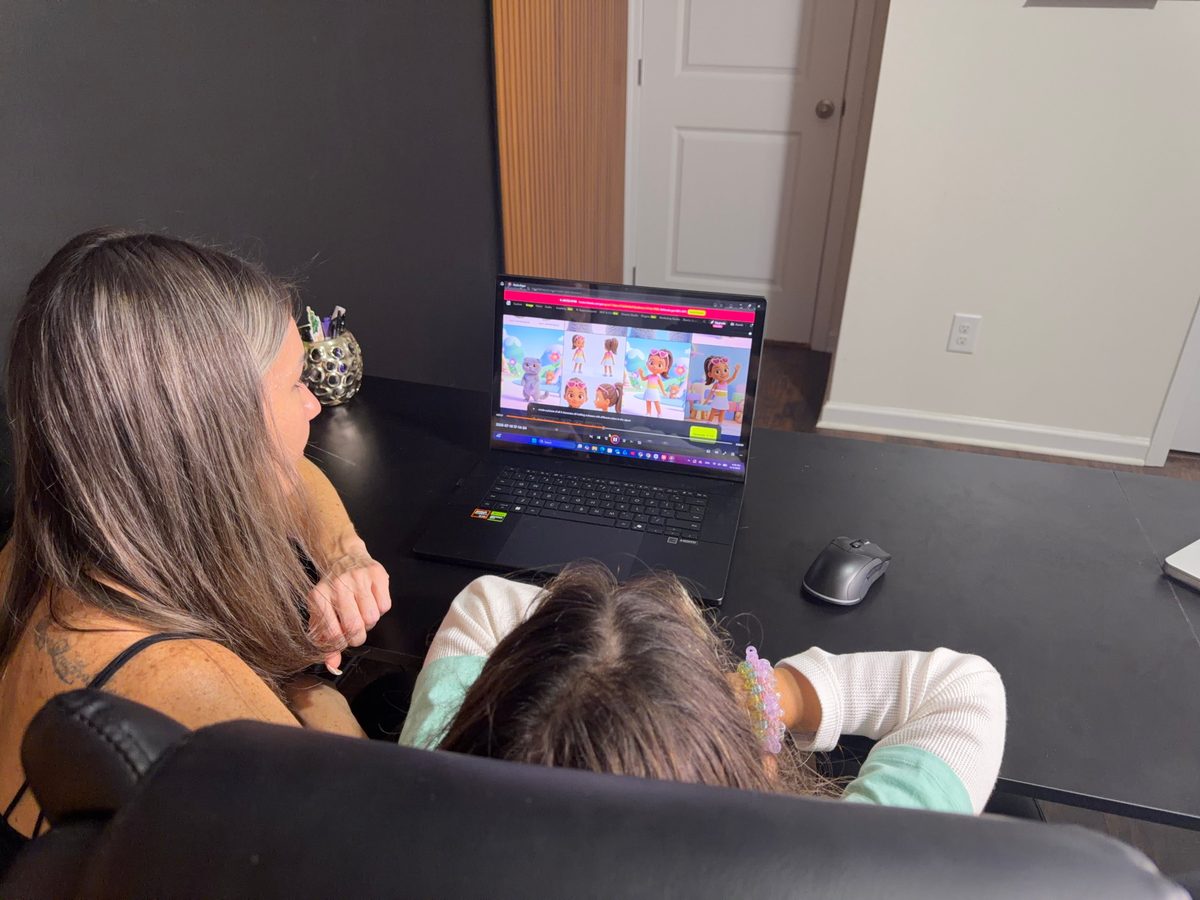
  1. A mom and her daughter watching a short lesson together on a laptop

    Watch

    A short lesson, 6 to 20 minutes. Kamilla shows the finished thing first, so your child knows where they’re going.

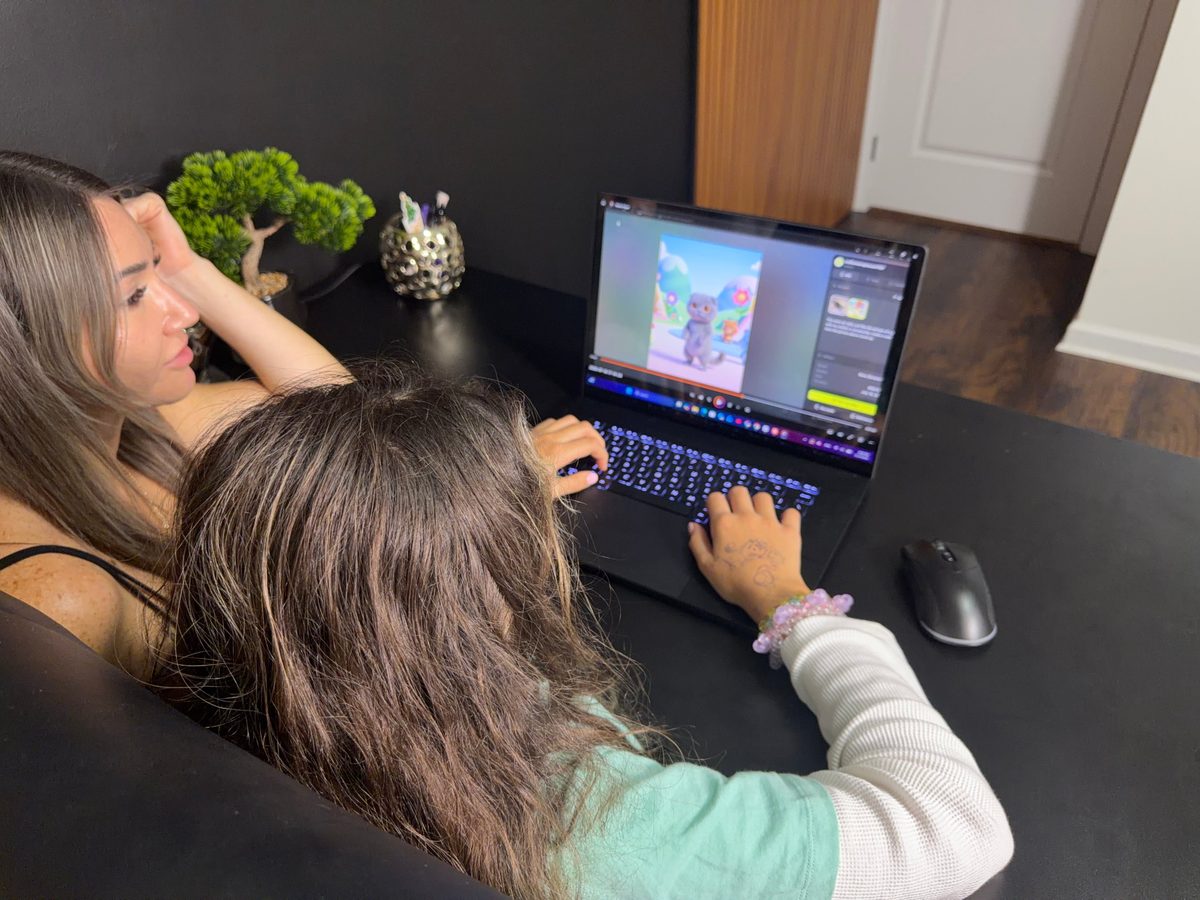
  2. The child building her project on the laptop while mom sits next to her

    Make

    Your child builds it right away — a game, a cartoon, a voice-over — with you next to them.

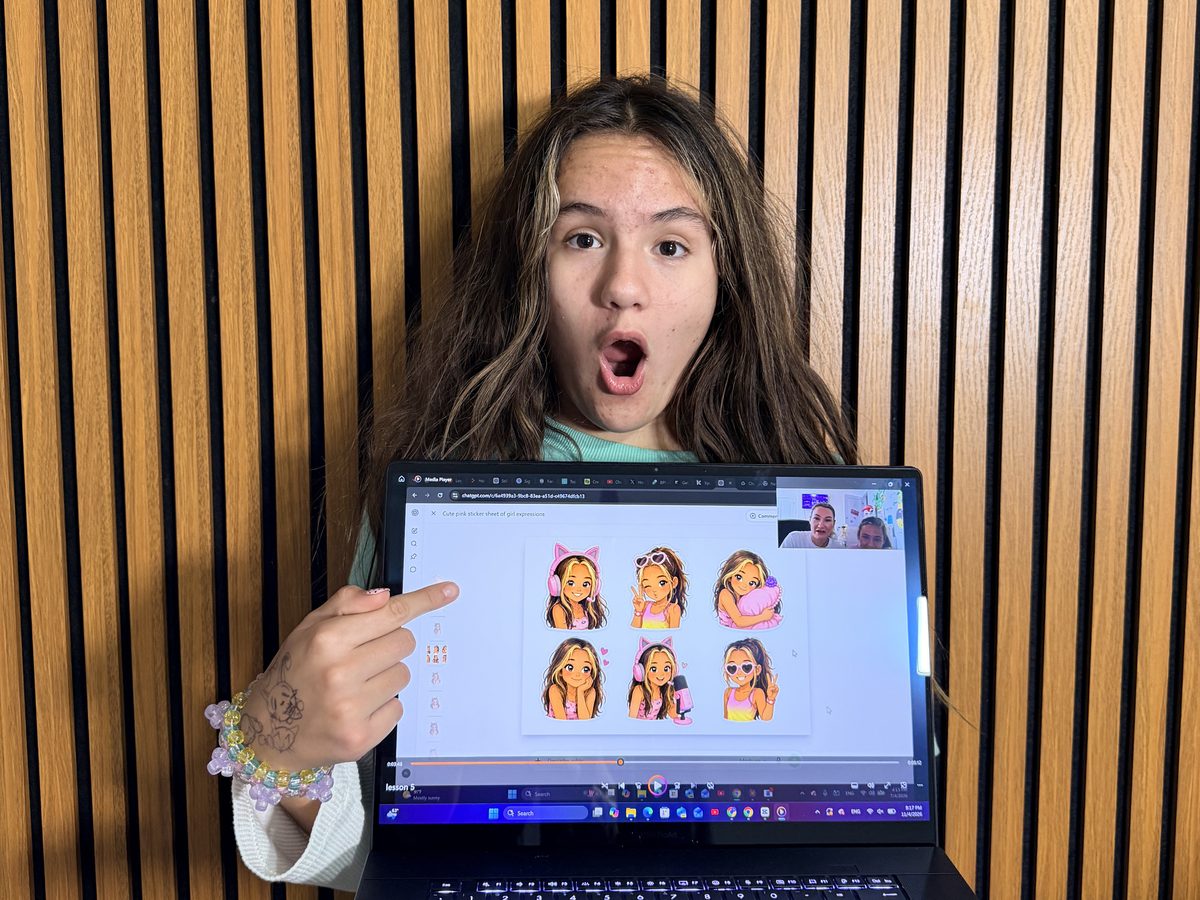
  3. Kamilla shows the sticker pack she just made, pointing at the laptop screen

    Show

    Show it to the family. Play it. Send it to grandma. It’s real, and it’s theirs.

Every lesson ends with something she made. Not something she watched.

“Is the result real?”

Made by kids 6–14. Not watched — made.

Real work from real lessons, exactly as it came out.

CartoonMade by Kamilla, 10
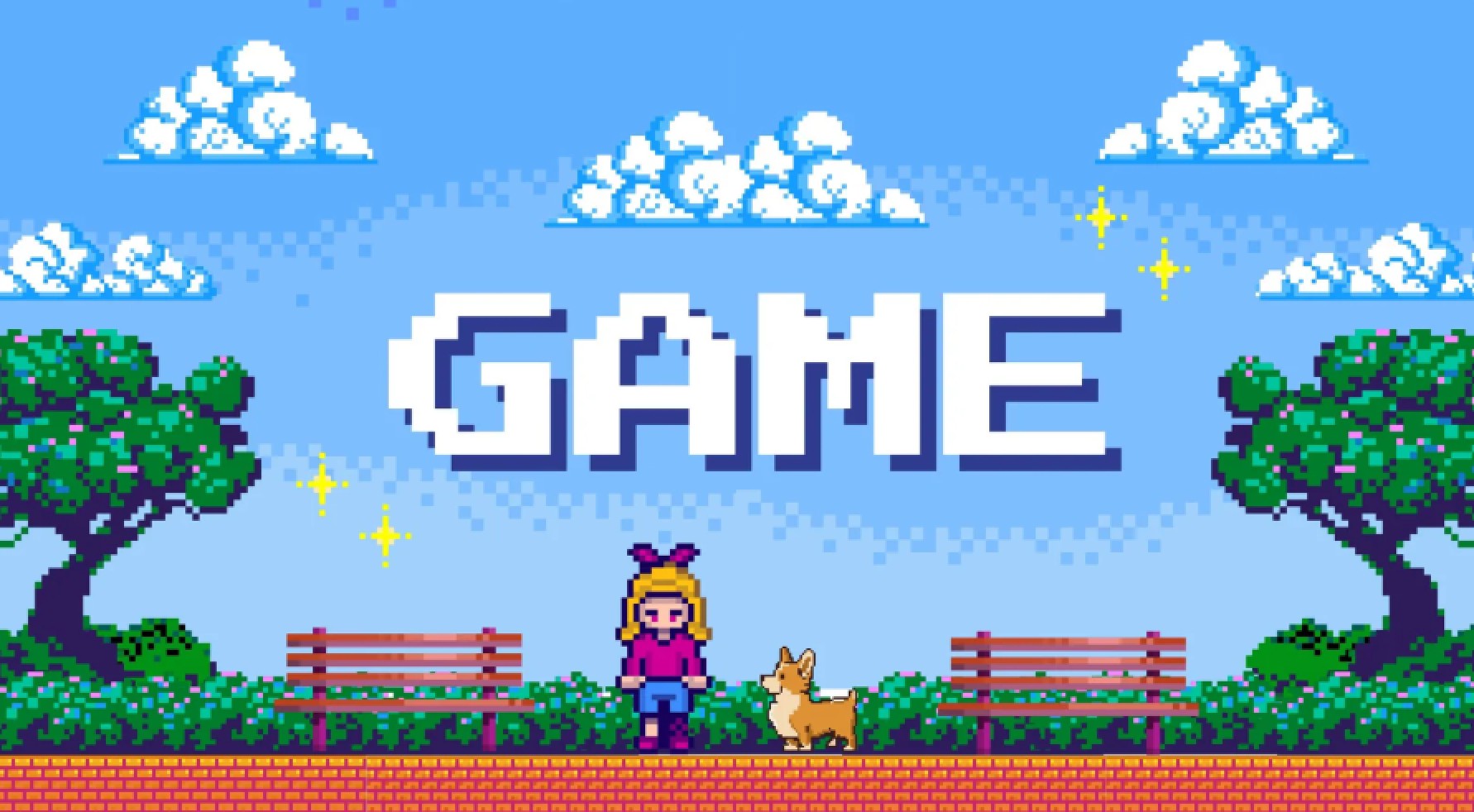
Kamilla’s game: a pixel-art park with a girl and her corgi under the title GAME
GameMade by Kamilla, 10
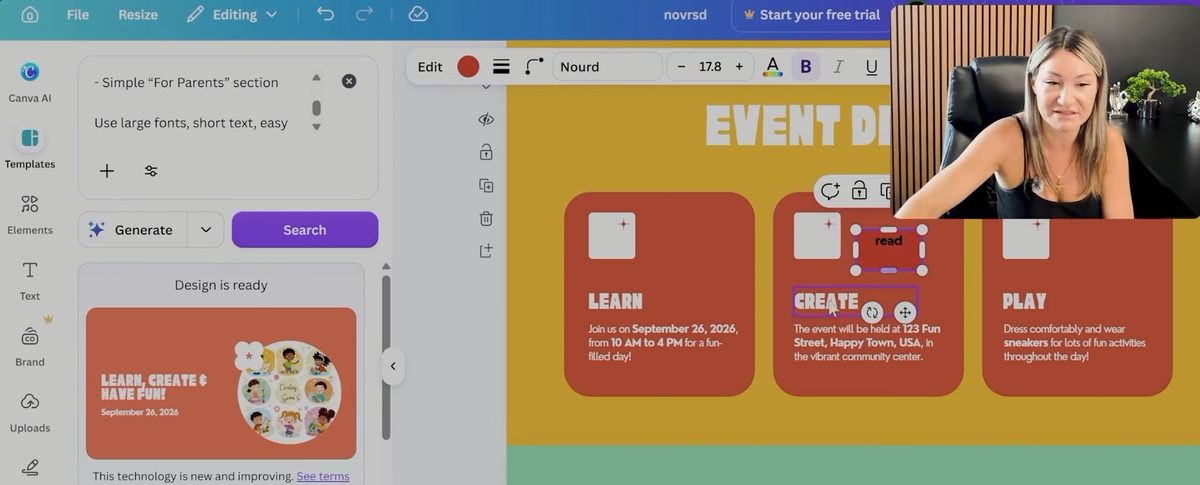
A kids’ event website generated in Canva AI from a short prompt: Learn, Create and Play sections
WebsiteMade with Canva AI from one prompt

“Is it worth it?”

The first families have tried it.

Eight families got early access before launch and told us what happened at their table.

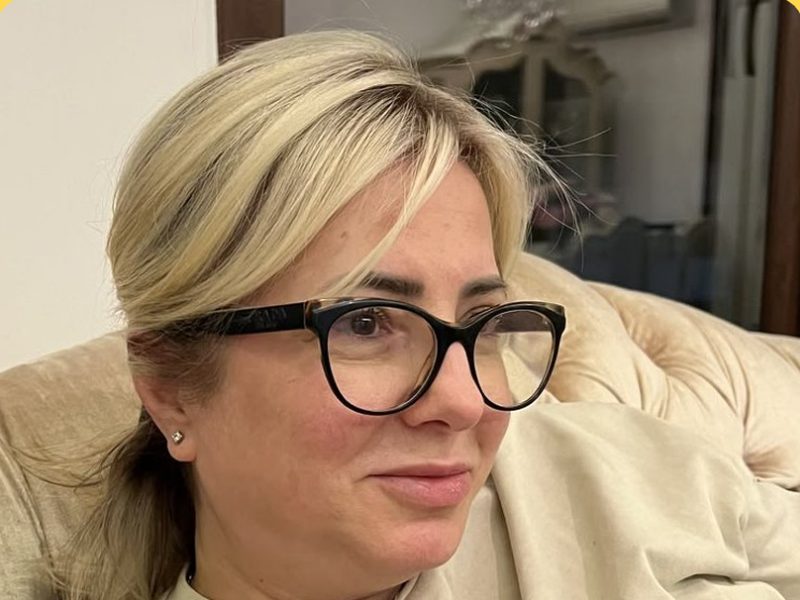
They received the course for free and shared their honest feedback. Names and photos are used with their permission.

Margaret
Margaret★★★★★

Grandmother of a 9-year-old Cartoon

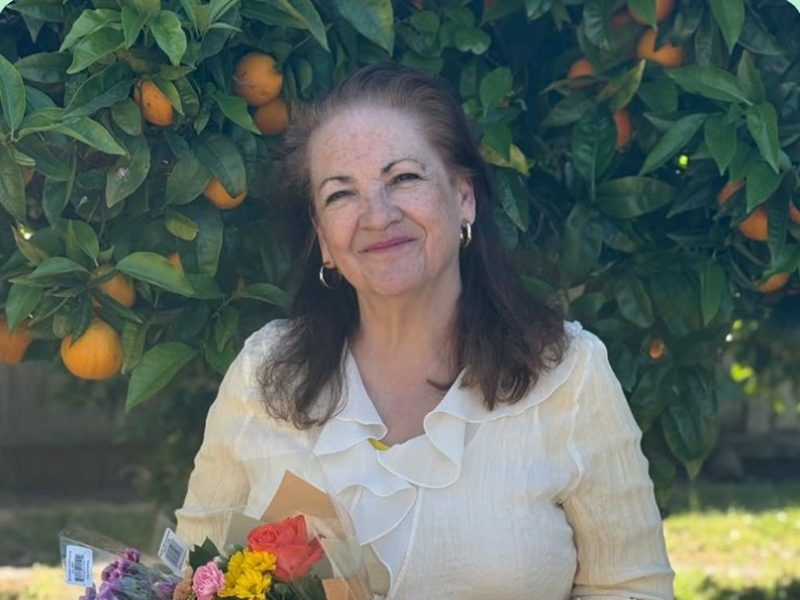
“I got MakeShowLab for my grandson, and it turned out to be such a wonderful surprise. We made a little cartoon together, and he was so proud of it. I love that he gets to create something instead of just watching videos.”

Susan
Susan★★★★★

Grandmother of an 8-year-old Song

“My granddaughter loves anything creative, so I thought this would be a perfect gift. The lessons are short and easy to follow. We made a song together, and she wanted to show it to everyone in the family!”

Linda
Linda★★★★★

Grandmother of a 10-year-old Gift

“I wanted to give my grandson something more meaningful than another toy. MakeShowLab gave us a fun way to spend time together. I was honestly surprised by how much we could create without knowing anything about AI.”

Patricia
Patricia★★★★★

Grandmother of a 7-year-old Game

“My granddaughter is always full of ideas, and this course gives her a way to bring them to life. We created a little game together, and seeing her excitement was priceless. It was a gift we both enjoyed.”

Emily
Emily★★★★★

Mom of a 9-year-old Cartoon

“My son is always asking questions about AI, so I wanted to find something that would help him explore it in a fun way. We made our own little cartoon together, and he was so excited to show it to his dad. I love that he gets to create instead of just watching.”

Jessica
Jessica★★★★★

Mom of an 8-year-old Song

“I was looking for something creative we could do together after school. The lessons are short enough to keep my daughter interested, and I love that we actually make something at the end. Our little song turned out so cute!”

Amanda
Amanda★★★★★

Mom of a 10-year-old Game

“What I love about MakeShowLab is that my daughter can bring her imagination to life. She created a little game and was so proud of herself. It is such a nice change from the usual screen time, and we get to learn something new together.”

Rachel
Rachel★★★★★

Mom of a 7-year-old Website

“I tried this course because I wanted my son to have a fun introduction to AI. I was pleasantly surprised by how simple it was to follow along. We made a little website together, and he keeps asking when we can do the next lesson!”

“Can we try it first?”

Free. No card. One game your kid builds tonight.

In 10 to 20 minutes your child builds a playable game — one you then play against each other, on the same couch. You sit next to them; they do the making. Just your email.

You go straight to the lesson. You’ll need a laptop or a tablet — nothing to install.

“Is this safe?”

The only AI course built for the two of you.

Kids’ AI courses usually sit a child alone in front of a screen. This one is built for the two of you: you learn side by side, you see everything your child makes, and you decide what happens next.

  • Parent-owned account. Your child never signs up for anything alone.
  • No chats with strangers. No DMs, no comments, nobody writing to your child.
  • The AI avatar is always disclosed. When a lesson is led by an AI version of Kamilla, it says so.
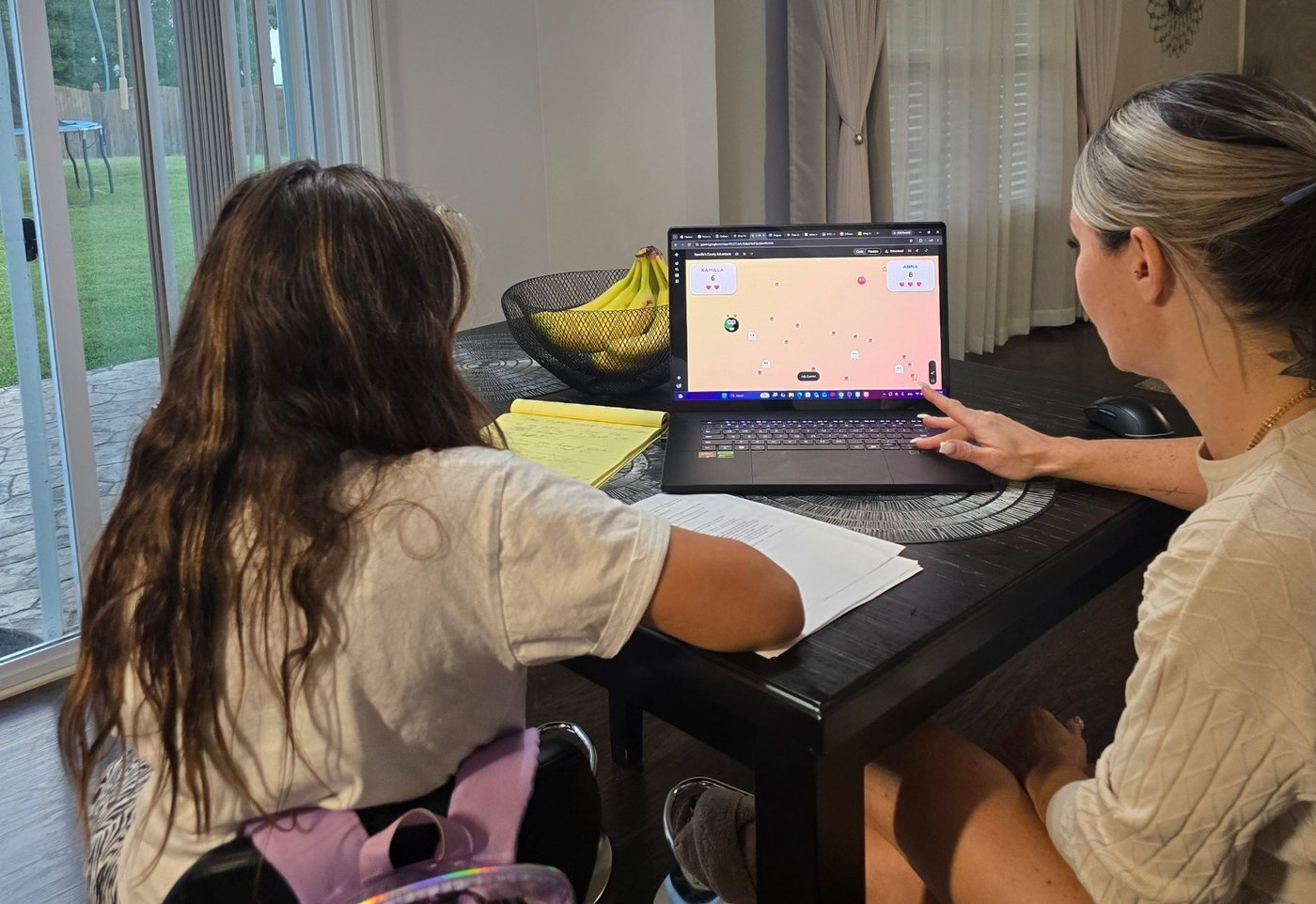
Kamilla and her mom Anna at the kitchen table, playing against each other in the game Kamilla built

“What will my child get?”

Kids don’t need more screen time. They need a reason to show you something.

By the end, your child can make:

  • a playable game
  • an animated cartoon
  • a song from their own words
  • a website
  • a sticker pack with their own character
  • a voice-over in their own voice

“Who am I trusting my child with?”

A mom and a daughter. Not a corporation.

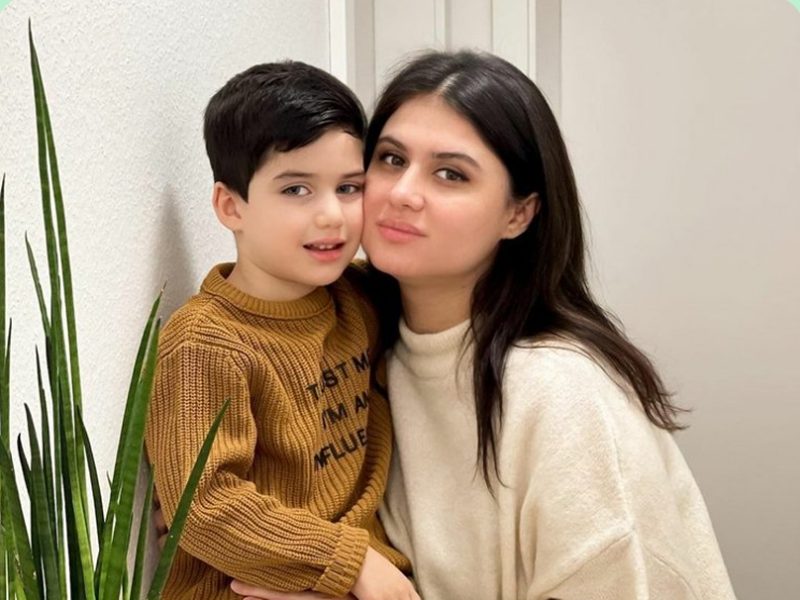
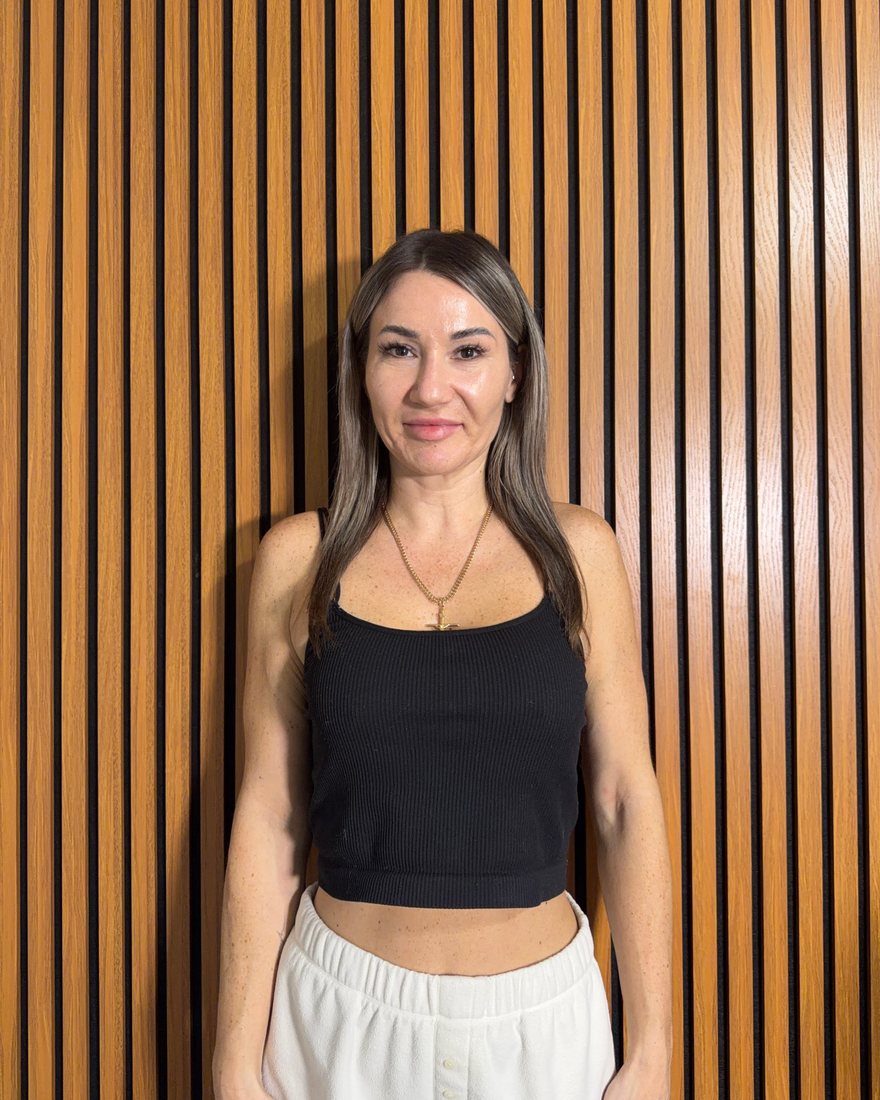
Anna built every lesson herself and tested each one on Kamilla at their own kitchen table. What didn’t hold a 10-year-old’s attention got cut — what’s left is what actually works.

Anna

Anna

Mom. Built the course and leads it. Checks every homework herself — the same day it’s sent.

Kamilla

Kamilla, 10

Co-host and peer mentor. She shows the finished thing first; then your kid makes their own.

“How much, and what do I get?”

One price. No sales calls. No subscription.

$197 once. Less than a month of tutoring. They keep everything they make.

Creator

$197

  • The full course — every lesson, every project
  • For a parent and a child, at your own pace
Get Creator — $197

Secure checkout by Stripe. No subscription, no sales calls.

“What if it’s not a fit?”

Try the first lesson free. Then decide.

No card for the free lesson. If it isn’t a fit for your family, you’ve lost nothing but 20 minutes on the couch.

Questions parents ask

Isn’t AI just cheating?

Not when your kid is the one with the idea. In every lesson the child decides what to make, tells the AI, checks what comes back and fixes it. The AI is the tool; the thinking stays with your child.

Do I need to know anything about AI myself?

No. Everything starts from zero, for both of you. You sit next to your child, read the task together and help them say what they want. The making is theirs.

Which services does the course use, and how much screen time is it?

Google Gemini, Canva AI, Google Flow, Suno and ChatGPT — all on the parent’s account. A lesson is 6 to 20 minutes of making — not a video to sit through.

What age is this really for?

6 to 14. A six-year-old talks and the parent types; a ten-year-old does most of it alone; a teenager just needs you in the room.

What about my child’s privacy?

Every account belongs to the parent, nobody messages your child, and the AI avatar is always disclosed as AI. Details are in our Privacy Policy.

How do we get access after paying?

You get an email with your login, and the first lesson is open right away. Lessons unlock one after another, so your child always knows what’s next.

How long does the course take?

At your own pace. Most families do a lesson every day or two and finish in about two weeks.

First lesson free. Your kid builds a game tonight.

One email. One game your child builds in 10 to 20 minutes. Then decide.